Creative scenes
Explore a setting, a character, or a cinematic shot from a text prompt or reference image.
Start with a prompt or a reference image. Create short videos, product ads, character scenes, and images — with creative guidance when you need it.
Create for a campaign, a social channel, a website, or a project of your own. Start with the scene you want to make.
Explore a setting, a character, or a cinematic shot from a text prompt or reference image.
Build product scenes and UGC-style creative, then check the generated details against your references.
Create short clips for your social channels. Choose an available format that fits the placement.
Develop images, character ideas, and slideshow assets alongside your video work.
Video generation produces short clips. Duration, reference inputs, and portrait, landscape, or square formats depend on the model you choose.
Start directly with a prompt or an image, or use a guided workflow to develop product creative. Choose the approach that fits what you want to make.
Describe the scene you want, or bring a reference image. Product photos are one starting point for ads and ecommerce creative.
Set the look, movement, and available output format. Use the guided product workflow when you want help developing a brief.
Generate an image or short video, inspect the result, and adjust your direction. Download the version you want to use.
Need help with the brief? Guided workflows help turn your product references and creative direction into a starting point.
For character-led product creative, start with guided questions about your brand and the scene you want. Use the recommendations to develop your character and creative direction, then review the generated images and videos. This is one workflow within the wider video and image workspace.
Start creatingSomething else…
Character brief: a build character with hair, face, styled in outfit, photographed in setting.
That brief is the prompt. Drizzle writes it from six taps, and you never have to open a text box. Your face stays locked and gets reused across everything you make.
Alongside prompt-based video and image generation, these guided workflows help you turn product references into ads, character-led scenes, and slideshows.
The original workflow. Hand Drizzle a single listing photo and it figures out the framing, the setting, and the delivery, then returns a vertical video ready to post.
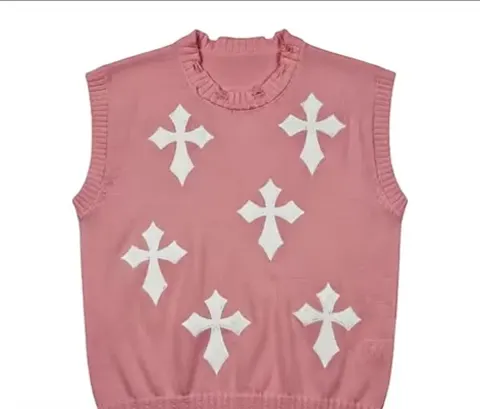
Use a reference video to guide your character’s movement. Compare the generated performance with the reference and review the product details before using the result.
Same motion. Your product.
Build a swipeable carousel instead of a video. Drizzle stages your product across four different scenes and use cases, captioned and styled for the feed.
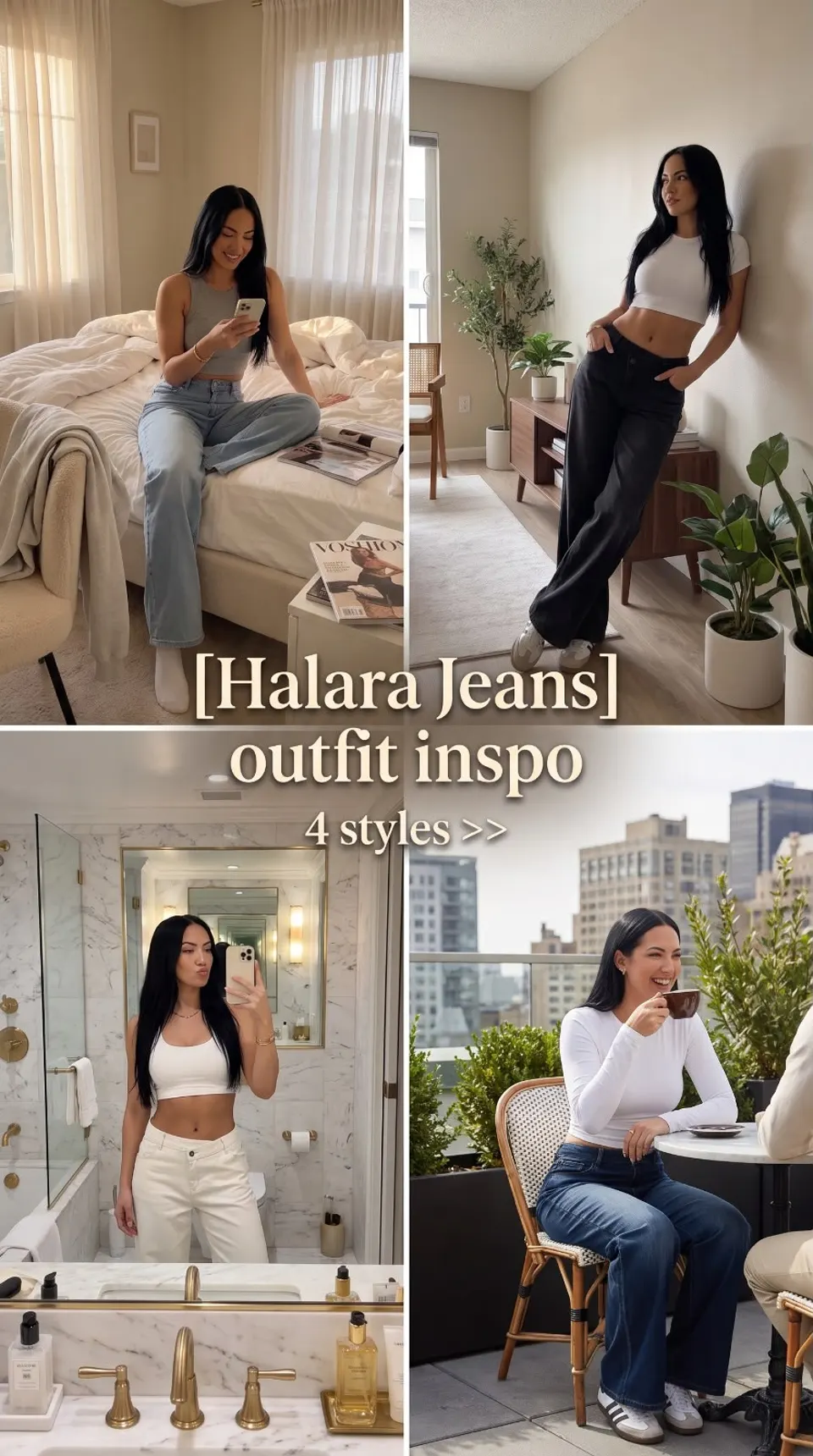
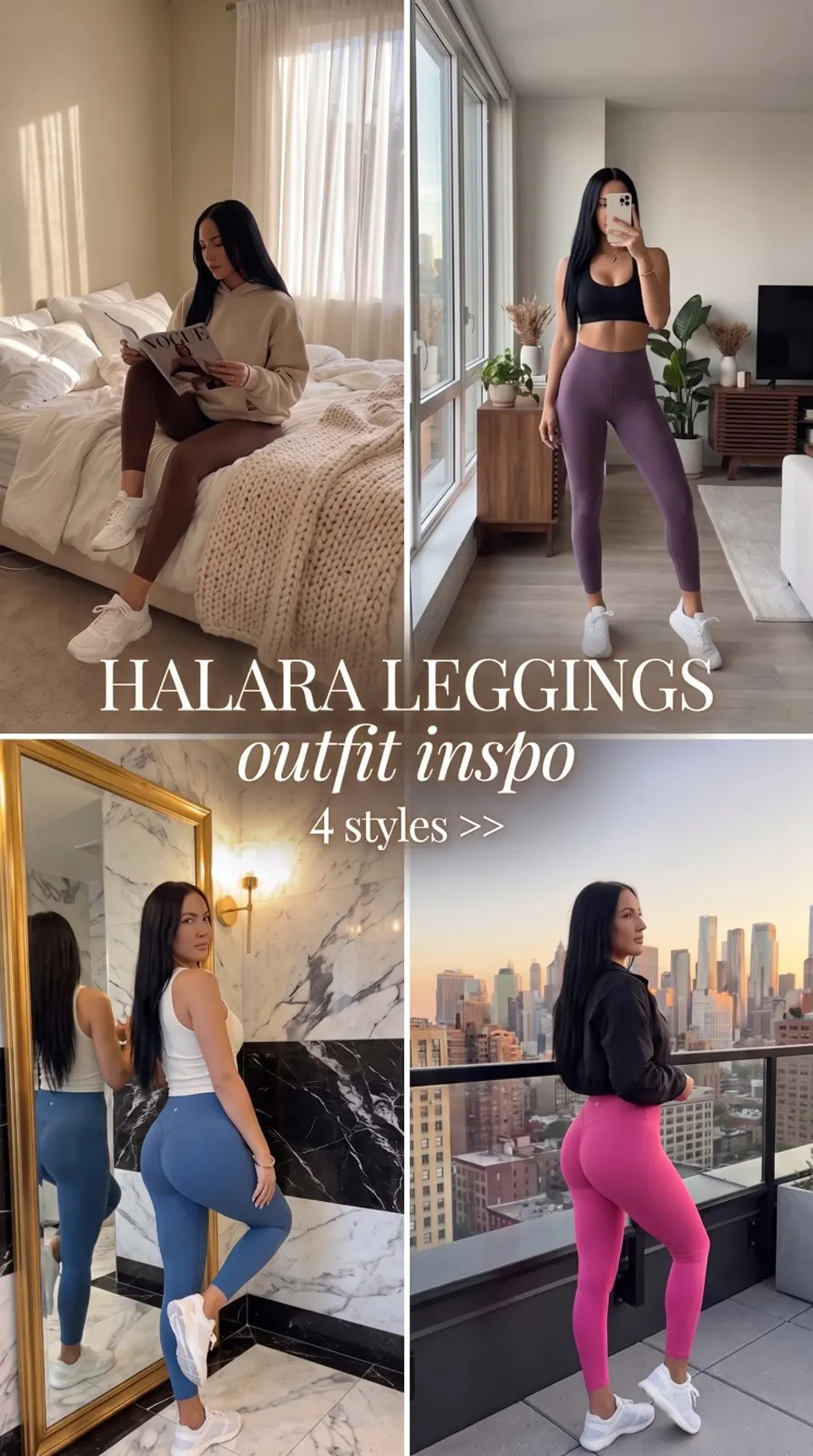
 Halara Jeans
One product, four scenes
Study framing, movement, and product presentation in these showcase clips. They are creative examples, not verified sales results.
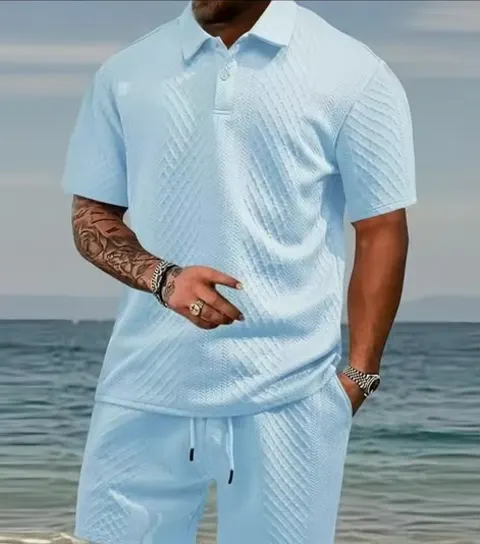
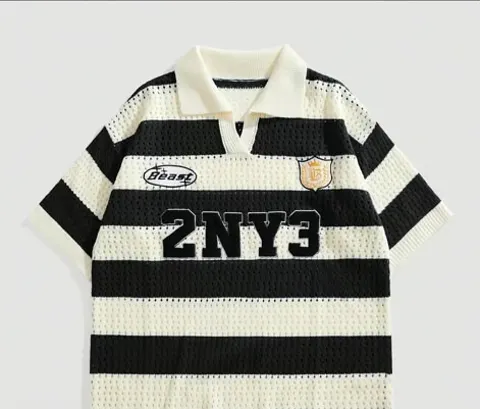
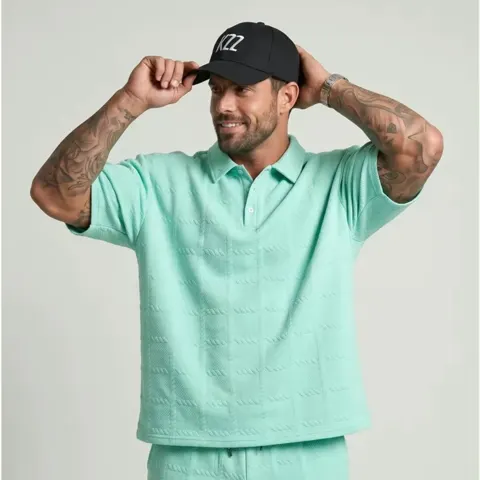
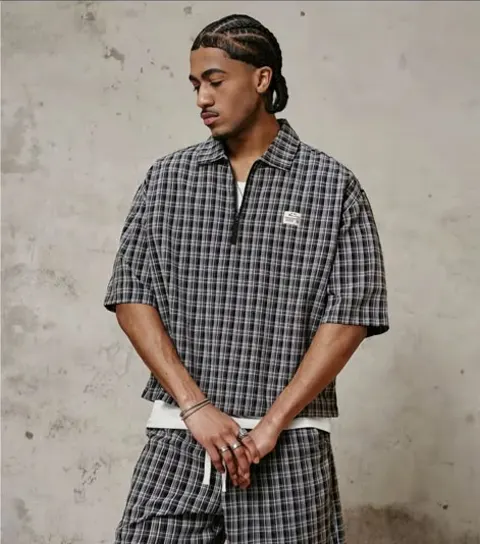
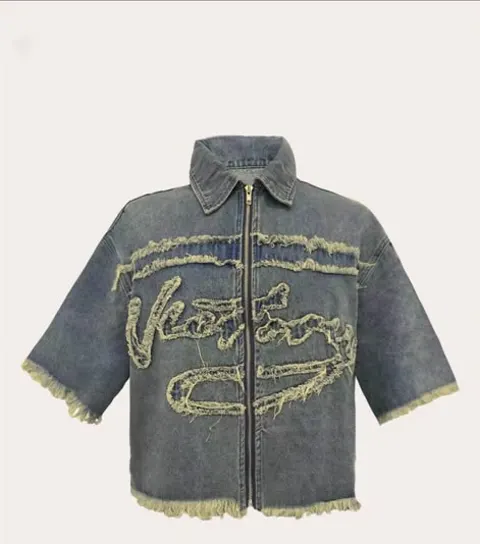
Browse garments from the showcase, then watch the fashion video examples for framing ideas and review notes.
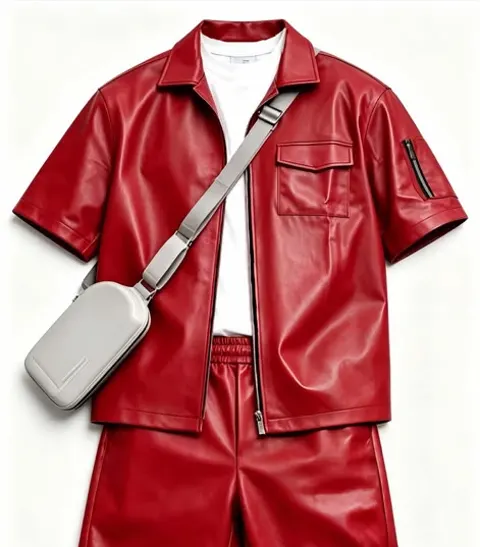
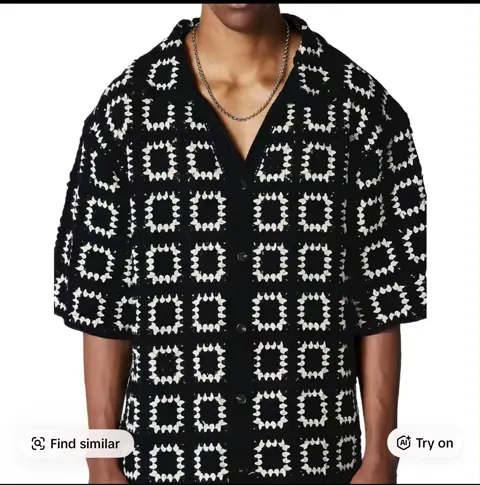
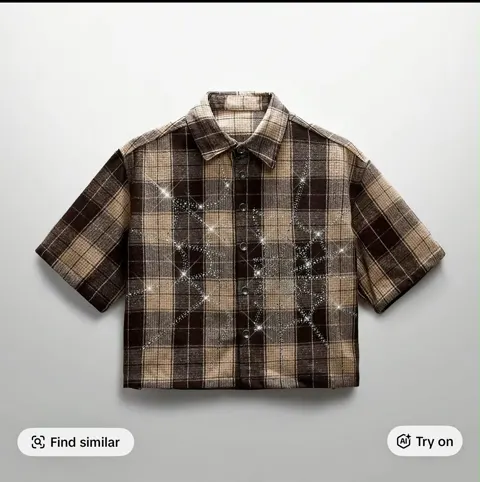
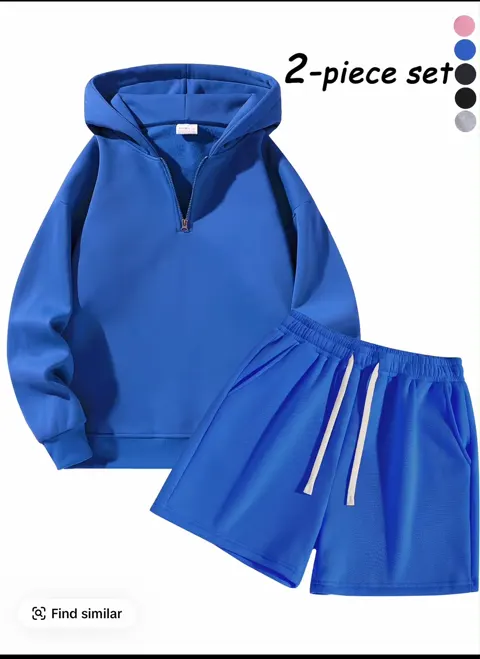
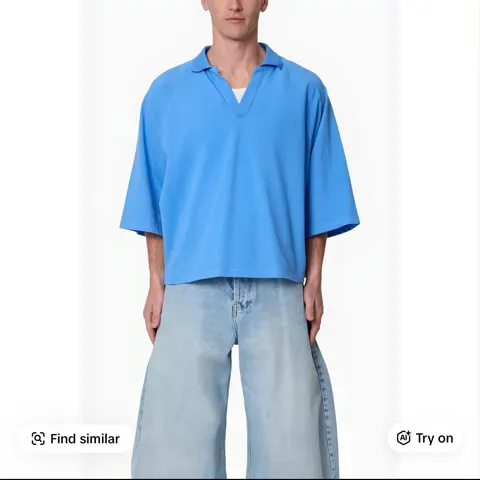
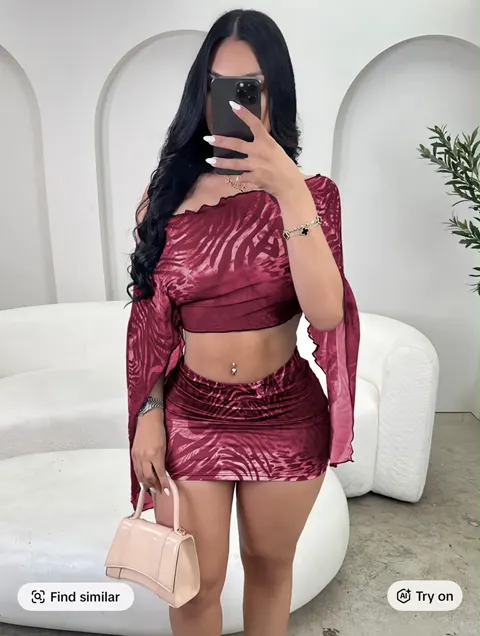
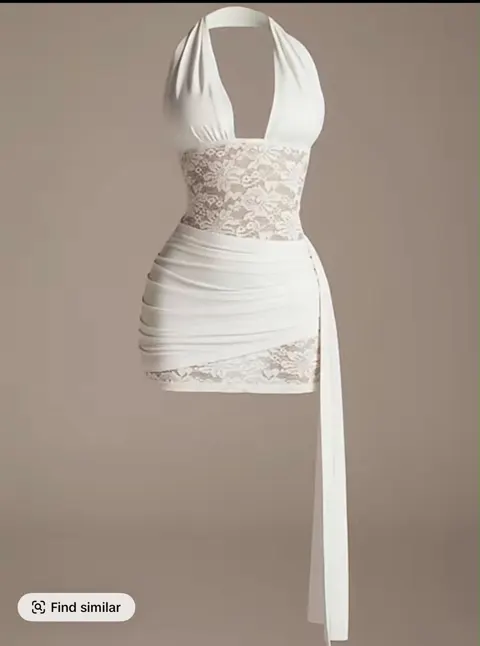
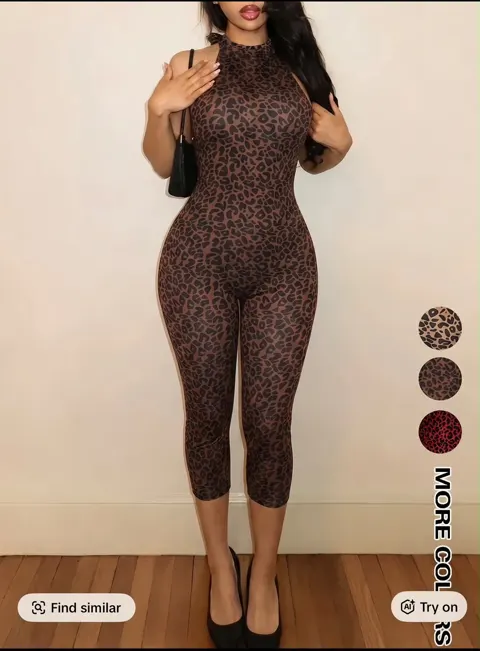
Plans and pricing
Every plan unlocks Drizzle's complete creative toolkit. Pick the credit allowance that matches your output.
Monthly plans
Drizzle is an AI video and image workspace for creators and brands. Turn text prompts or reference images into short videos, product ads, character scenes, and social content.
Start with a text prompt or reference images, choose the available model and format, and generate a clip or image. For guided product creative, Drizzle helps you develop the brief and character. Review the result before using it.
You can start with a product photo and answer the guided questions. Drizzle helps write the creative brief; you can also describe changes in your own words.
Use Drizzle for social posts, ads, website visuals, and creative projects. TikTok is one possible destination alongside YouTube, Instagram, and your own site. Available portrait, landscape, and square formats depend on the model. Check the destination requirements before publishing; exports do not imply automatic publishing or native integrations.
Yes. Create short scenes for ads, product stories, social content, or other creative projects. Current video models generate short clips, with duration and format options shown in the workspace. Longer projects may need multiple clips and editing.
Yes. Use photos of the exact product as references. Review the generated result for changes to color, construction, text, and fit before publishing.
Every plan includes characters, ads, motion control, and background restyling. Plans differ in monthly credits and included image allowances.
Lite includes 1,500 images per subscription billing month, with no daily cap. Other plans have daily allowances that reset at midnight UTC. Included images generate one at a time; unused allowances do not roll over. Failed generations restore the image slot. At your limit, wait for your allowance to reset or explicitly choose paid generation: 1 credit for Lite/Flash, 2 for Pro. Paid credits are separate and are never spent automatically when your allowance runs out.
Yes. Every video is yours to keep and use commercially, on any platform, in any campaign.
You can start with a prompt or a reference photo. For product creative, use accurate photos of the item and review the generated details against them.
Google Ads measurement
Allow Google cookies to measure which ads bring visits and purchases? Personalised ads stay off. You can change your choice here.
Privacy policy